Edge AI Avatars: What Should Run Locally?

An edge AI avatar should not be defined by whether the whole system fits on one device. It should be defined by which parts of the real-time conversation run close to the user, why they run there and what happens when that local capacity is unavailable.
For a bank branch, airport, hospital or government service centre, the right answer is usually a partitioned architecture. Interaction controls may run on the kiosk; speech or rendering may run on a nearby edge node; knowledge and policy may remain in a customer data centre; and selected services may use a private or public cloud where the data boundary permits it.
The useful design question is therefore not “edge or cloud?” It is “where should each workload run to meet the required latency, privacy, quality and resilience?” This guide provides a placement method that architecture teams can use before choosing models or buying hardware.
What is an edge AI avatar?
An edge AI avatar is a real-time conversational avatar in which one or more latency-sensitive or data-sensitive processing stages run close to the interaction point. “Close” may mean the user’s device, a compute appliance in the same building, a campus edge cluster or a regional edge platform. It does not necessarily mean a laptop running every model offline.
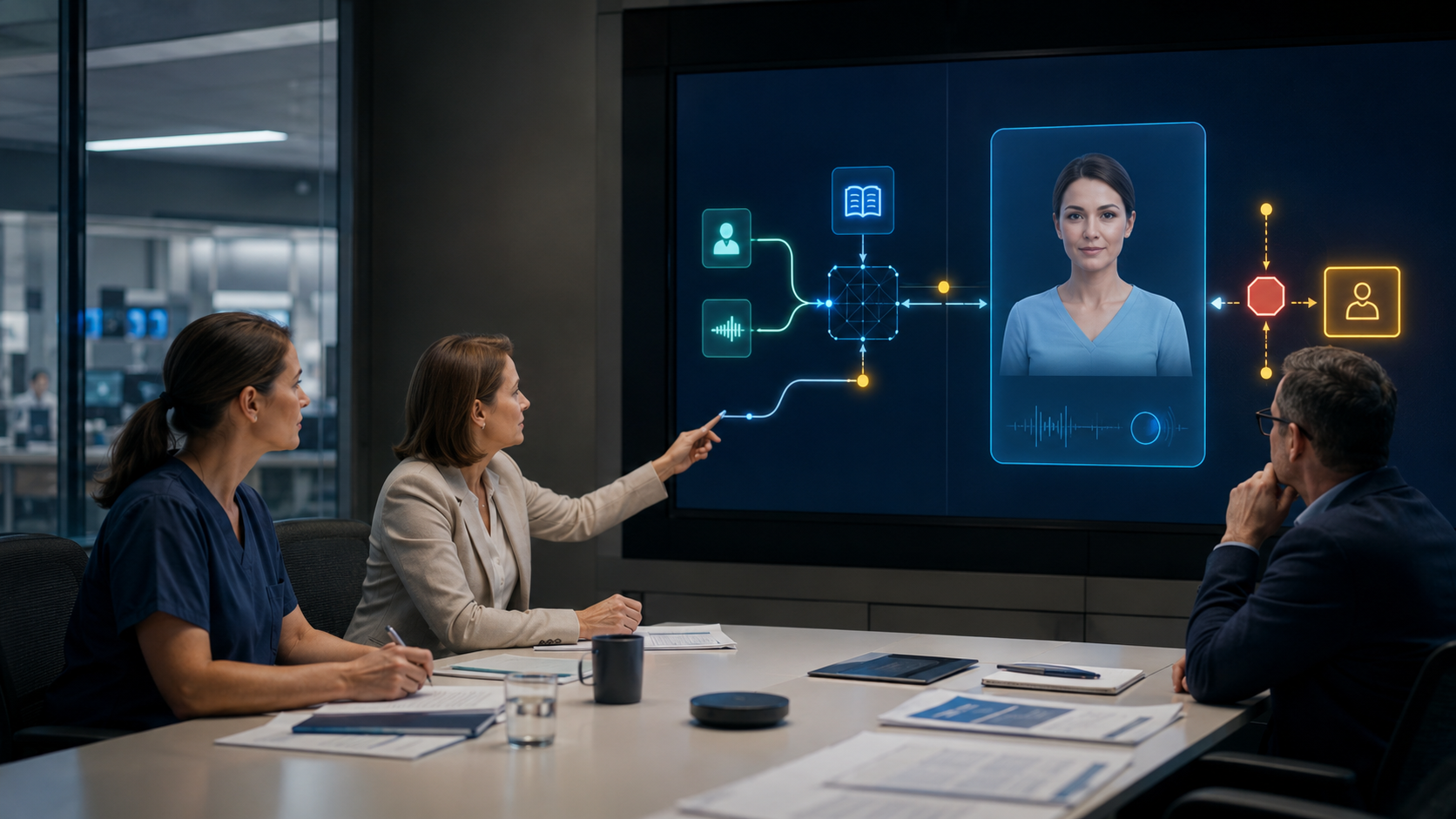
That distinction matters because an avatar is a pipeline rather than one model. It may include microphone control, voice-activity detection, speech recognition, identity, retrieval, policy, a language model, text-to-speech, avatar rendering, encoding, streaming, captions, telemetry and handover. Each stage has a different compute profile and risk.
ETSI’s work on edge-native application design describes edge computing as bringing applications closer to users while retaining cloud-native management ideas. For an avatar, that suggests a distributed service with explicit interfaces—not an ungoverned collection of miniature applications.
Use four placement zones, not two
A practical design starts with four possible zones:
- Interaction device: the kiosk, workstation, mobile device or display where microphone, camera, keyboard, captions and session controls live.
- Site edge: a local appliance or cluster serving one branch, terminal, ward, vessel or facility.
- Customer core: a private data centre or customer-controlled cloud holding shared GPUs, identity, knowledge, policy and operational tooling.
- External service: a sovereign, private or public-cloud component approved for a defined data class and purpose.
These are logical zones, not purchasing categories. A customer-controlled edge cluster can be physically remote from the kiosk. A cloud service may still satisfy a residency requirement. Conversely, a box in the same room can expose data through diagnostics, licensing or update calls. Yepic’s deployment-model comparison explains why the approved operational boundary matters more than a simplistic location label.
Score every component against six placement tests
Create one row per pipeline component and score it against the following tests. Do this before optimising models; otherwise a team can make the wrong workload extremely efficient.
1. Interaction consequence
Ask what happens if this stage is slow, wrong or unavailable. Delayed listening feedback feels awkward; incorrect identity or policy decisions can expose information; stale operational guidance can misdirect a passenger. High-consequence decisions should remain behind authoritative controls even when a local copy would be faster.
2. Latency contribution
Measure the stage’s share of complete turn time: capture, endpoint detection, recognition, retrieval, generation, first audio, first frame and streaming. Moving a model closer cannot repair an oversized prompt, slow knowledge query or blocked browser media path. Use percentiles under realistic concurrency, not one successful demo.
3. Data exposure
List the raw and derived data entering and leaving the stage. Audio, transcripts, embeddings, identity claims, retrieved passages, generated speech, avatar frames and telemetry are different classes. NIST research on privacy for edge systems is a useful reminder that moving processing to the edge can reduce network movement while creating new local privacy questions. Physical proximity is not a privacy control by itself.
4. Hardware fit
Record model weights, working memory, accelerator support, warm-up behaviour, sustained utilisation, power and thermal limits. Then test on the exact target. ONNX Runtime’s deployment documentation notes that execution is partitioned according to available hardware accelerators and that adopters remain responsible for accuracy, performance and suitability testing.
5. Quality envelope
Define the minimum acceptable quality for each language, task and interaction condition. A compact speech model may be excellent in a quiet English test and unacceptable for Arabic code-switching in a noisy terminal. A smaller language model may handle routing and FAQs but fail on nuanced policy explanations. “Runs locally” is not an acceptance criterion.
6. Operational ownership
Identify who deploys, monitors, patches, rolls back and supports the component at every location. The NCSC’s secure AI deployment guidance recommends access controls, environment segregation, model protection and incident procedures across the infrastructure. An edge fleet multiplies those responsibilities across sites.
A sensible default placement matrix
The following is a starting hypothesis, not a fixed Yepic product requirement:
- Device controls: microphone permission, push-to-talk, keyboard input, captions, visible status and basic interruption handling belong on the interaction device because they shape immediate user control.
- Audio pre-processing: noise suppression, voice activity and endpoint detection are strong edge candidates when supported by the client hardware and tested environment.
- Speech recognition: site edge or customer core can limit raw-audio movement and reduce network delay, but only if the local model meets language, dialect and noise requirements.
- Identity and authorisation: validate against the customer’s authoritative service. Cache only short-lived, revocable claims needed for the session; do not reproduce an identity directory on every kiosk.
- Knowledge and policy: keep permission-aware retrieval, content versions and business rules inside the approved customer boundary. A site cache can support stable guidance, provided invalidation and scope are explicit.
- Language model: choose among a compact local model, a larger customer-core model or an approved external model by task. Routine classification may be local while higher-complexity answers route to a stronger model.
- Speech and avatar rendering: these are often strong site-edge or customer-core candidates because response timing and continuous frame generation matter. The correct location depends on model size, accelerator availability, concurrent sessions and visual target.
- Telemetry: keep detailed content and diagnostics locally where required; export only approved service health and support artefacts. Location should not make the system unobservable.
This matrix complements Yepic’s on-premise avatar component guide, which covers how to select each stage, and its GPU capacity-planning method, which covers concurrency and resilience after the workload is defined.
Small models matter, but “smallest” is the wrong target
Edge placement creates a hard resource envelope. Efficient models can reduce memory pressure, start more quickly, leave capacity for concurrent sessions and make degraded local operation possible. They also reduce the number of GPUs needed to keep multiple models resident.
Useful techniques include graph optimisation, reduced precision, quantisation, pruning, distillation, caching and hardware-specific compilation. ONNX Runtime documents how model optimisation can reduce size or complexity, while its quantisation guidance warns that gains depend on the model and hardware and can sometimes reverse. NVIDIA’s 2026 TensorRT Edge-LLM work similarly combines a lean runtime with quantisation and decoding techniques for embedded real-time inference.
Optimisation can change behaviour. Lower precision may affect recognition, voice or visual output; distillation can narrow capability; aggressive batching can increase time to first response; hardware-specific compilation can reduce portability. Every optimised artefact therefore needs its own quality, latency and security evidence.
A better target is the smallest model that passes the defined quality envelope on the target hardware under production load. That statement is measurable. “Edge optimised” is not.
Design a routing policy and a degradation ladder
Hybrid placement only works when routing is deterministic enough to govern. Route by task class, data class, user state, language, site health and consequence—not by whichever endpoint replies first. Record which model and knowledge version produced the answer.
Then define degraded modes before launch:
- Full distributed service: local interaction and rendering with approved customer-core or external intelligence.
- Local restricted service: stable guidance and bounded tasks continue when the wide-area route fails.
- Transactional handoff: the avatar preserves context and transfers to an authorised human or existing service.
- Static accessible service: approved messages, text alternatives and contact routes remain available without generation.
- Clear stop: the system no longer accepts questions and directs users to a tested alternative.
Do not silently replace a governed private model with a public endpoint during an outage. Yepic’s avatar failover guide explains why any recovery route must preserve the approved data boundary.
Twelve tests before approving edge placement
- Measure end-to-end turn latency and each stage at normal and peak concurrency.
- Repeat after cold start, model reload and site reboot.
- Test every supported language with representative accents, dialects and code-switching.
- Test ambient noise, poor microphones, packet loss and interrupted speech.
- Confirm the quality envelope against a stronger reference configuration.
- Run a sustained thermal and power test on the deployed device.
- Prove identity, permission and cache revocation at the edge.
- Block external connectivity and verify the intended restricted mode.
- Fail the site node and confirm a safe, visible transition.
- Inspect logs, diagnostics, licensing and update traffic for unintended data movement.
- Deploy and roll back a signed model or runtime update across a representative site fleet.
- Recover connectivity and prove that sessions, caches and telemetry reconcile safely.
What Yepic evidence does—and does not—show
Yepic has developed proprietary talking-photo and real-time avatar technology, including optimisation for commercial GPUs, and can scope customer-hosted, private-cloud and sovereign deployments around a customer’s approved components and infrastructure.
At GAIN Saudi Arabia, Yepic operated a five-metre real-time avatar targeting sub-one-second responses across three summit days. That is relevant evidence of low-latency public operation. It is not proof of a completed customer-hosted edge deployment, a universal latency figure or a specific sessions-per-device result.
For an edge programme, the first useful Yepic deliverable is a workload-placement contract: zones, components, data flows, latency budgets, quality envelopes, hardware assumptions, routing rules, degraded modes and owners. A production benchmark can then validate the proposed models on the customer’s actual GPUs and network. The architecture earns the word “edge” through those measured decisions—not through the location of one box.