AI Video for Workforce Training: How Enterprise L&D Teams Scale Production
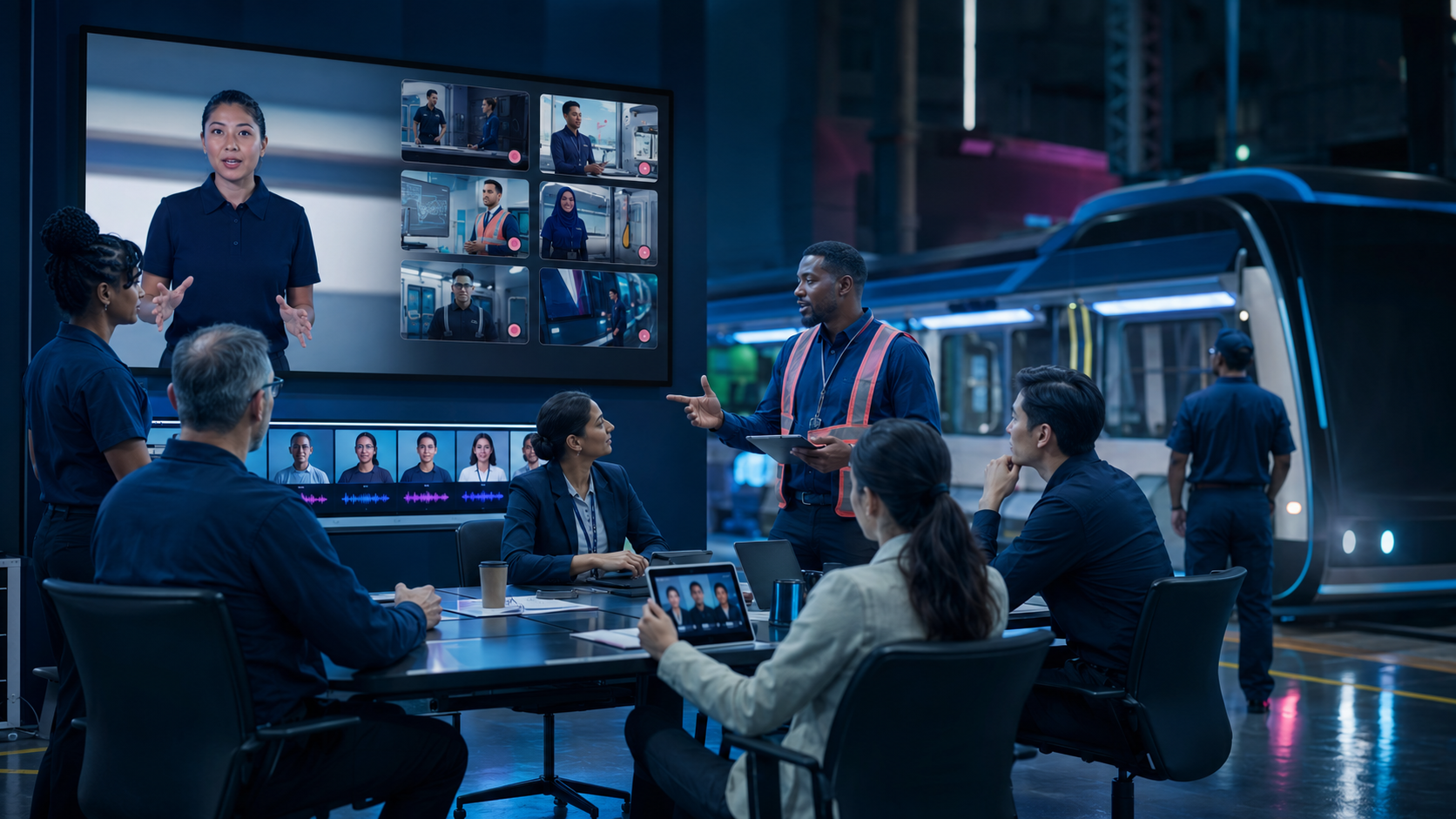
AI video for workforce training gives internal learning teams a way to create, update and localise presenter-led content without rebuilding the production process every time something changes. It is most valuable when it becomes part of the learning workflow, not a novelty tool used for one launch video.
Yepic’s work with Chicago Transit Authority and its conversational employment coach for SDAIA and King Saud University show two complementary sides of the opportunity: scalable learning content and personalised practice.
Why enterprise training video is difficult to scale
Traditional production works well for durable flagship content. It becomes expensive and slow when procedures, software, policies or languages change regularly. Learning teams may depend on studios, presenters, editors and several approval cycles for every update.
The result is familiar: important material remains out of date, international teams receive content later and subject-matter experts spend time repeating the same explanation.
Chicago Transit Authority: an AI video environment for workforce development
CTA commissioned Yepic to provide a browser-based AI video platform for its Training and Workforce Development team. The requirement was not one generated clip. The team needed a usable production environment that could complement instructional design and support a large, diverse workforce.
Yepic delivered:
- enterprise access to the AI video creation platform;
- more than 140 AI presenters;
- synthetic voice production across 120 languages;
- templates, icons, audio, imagery and video assets;
- account configuration and administrator changes;
- user onboarding and platform walkthroughs;
- ongoing delivery, procurement and account support.
The engagement moved through contract requirements, product updates, user acceptance, onboarding and continuing procurement. That operational journey matters because enterprise learning technology succeeds only when the people producing content can use and maintain it. Read the Chicago Transit Authority case study.
From learning content to conversational practice
Video can explain a framework, but many skills are demonstrated through conversation. Yepic extended the learning pattern with SDAIA and King Saud University by creating a bilingual AI employment coach.
More than 100 students completed personalised five-minute interviews in Arabic or English. The agent greeted each participant, selected competency questions, asked follow-ups and returned tailored feedback. In the reported survey, 92% said they felt more confident afterwards.
The two projects illustrate a complete learning loop:
- Explain: presenter-led video introduces knowledge and examples.
- Demonstrate: scenarios show how the skill appears in context.
- Practise: a real-time AI agent responds to the learner.
- Reflect: feedback identifies what to try next.
- Refresh: updated videos reinforce learning when policies or tools change.
See the SDAIA and KSU employment coach.
Where AI video adds the most value in L&D
Onboarding
New starters can receive consistent explanations of culture, systems and procedures. Content can be updated centrally and localised for different regions.
Software and process training
Short presenter-led modules can frame screen demonstrations and explain why a process matters, not only which button to press.
Compliance and policy updates
When wording changes, teams can revise the source and regenerate the affected content instead of arranging another filming day.
Safety communication
Digital presenters can deliver repeatable instructions across languages, although domain experts must review accuracy and the material should never replace required practical training.
Manager and customer-conversation practice
Real-time agents can play employees, customers or candidates, giving learners a private place to rehearse difficult discussions.
Design the production system, not only the video
Templates
Reusable structures reduce blank-page work and protect visual consistency. A template should make the right production behaviour easier, not lock every subject into the same pacing.
Roles and approval
Define who writes, reviews, publishes and retires content. Subject experts should control meaning; learning designers should control the instructional structure.
Brand and presenter governance
Agree which presenters, voices and visual assets are appropriate. Custom avatars require consent and clear rules for use.
Localisation workflow
Translation, pronunciation and cultural review need named owners. Language availability in a tool is not proof that a course is ready for that audience.
Version control
Teams need to know which source produced each video, what changed and where the content is currently used.
What should enterprise learning teams measure?
- time from approved source to published learning asset;
- cost and effort required for updates;
- number of languages delivered and reviewed;
- completion and repeat-viewing patterns;
- knowledge checks linked to the learning objective;
- performance in later practice or observation;
- accessibility and learner-reported usability;
- content age and time taken to correct outdated material.
Do not mistake video completion for learning. A person can watch every second and change nothing. Combine production efficiency with evidence of understanding or behaviour.
Responsible use of AI presenters in training
Learners should know when a presenter is synthetic. Custom likenesses and voices require permission. Organisations should avoid presenting an AI avatar as a real authority who personally approved words they never reviewed.
For conversational training, explain what is recorded, how transcripts are used and whether results affect employment. Practice and assessment should be clearly separated.
A practical enterprise pilot
- Select one training module that changes frequently.
- Define the existing production time, cost and update delay.
- Create one reusable template and a short source script.
- Produce the module in two languages.
- Test it with learners and native-language reviewers.
- Measure comprehension as well as production speed.
- Update one section to test the revision workflow.
- Document ownership before expanding the library.
Give learning teams control of the last mile
AI video is not a substitute for instructional design. It is a production layer that lets good learning material reach more people, change faster and connect to interactive practice.
Yepic has delivered both the enterprise content environment and the live conversational coach. Read the AI role-play training guide or explore Yepic’s learning projects.