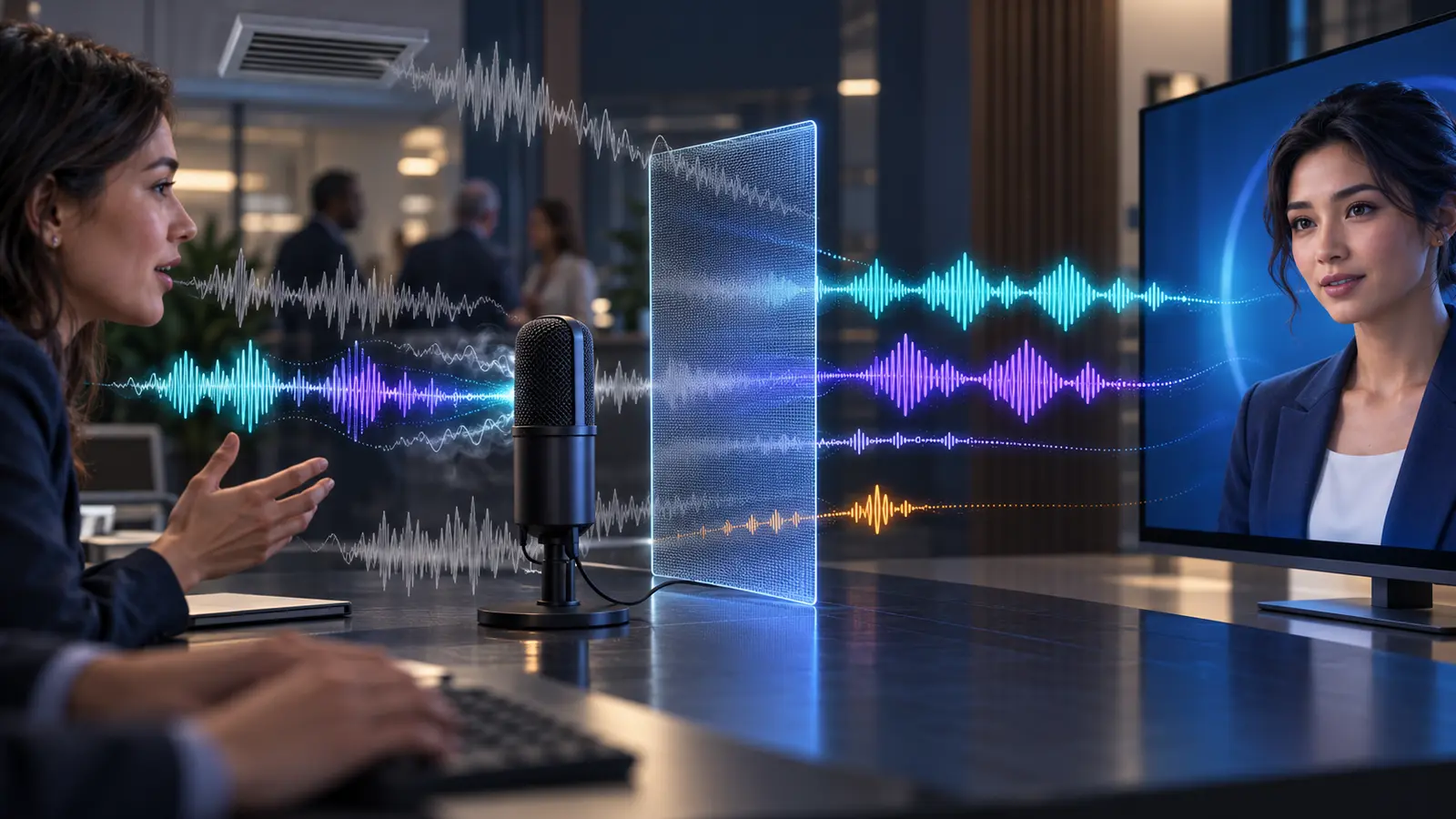
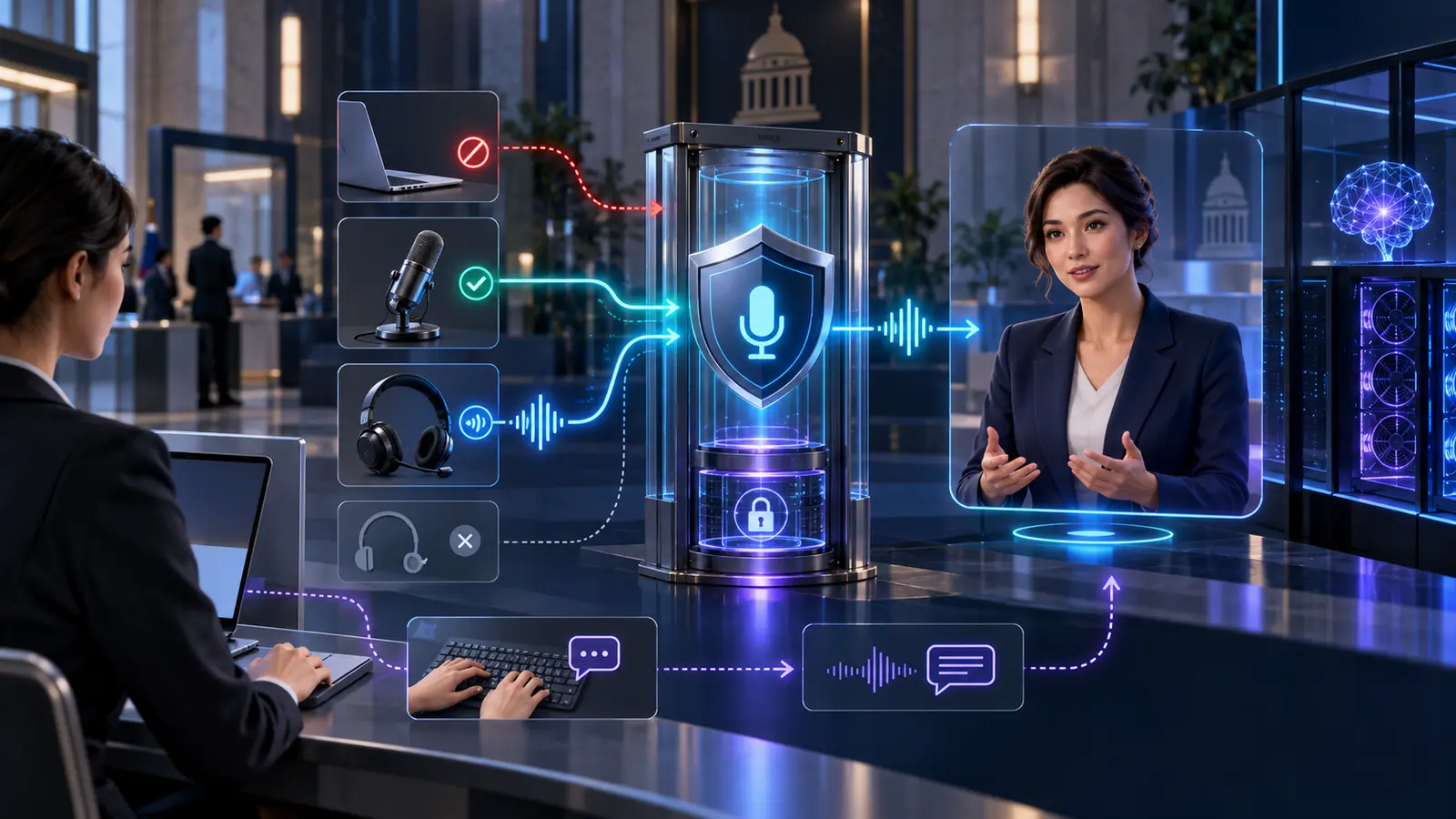
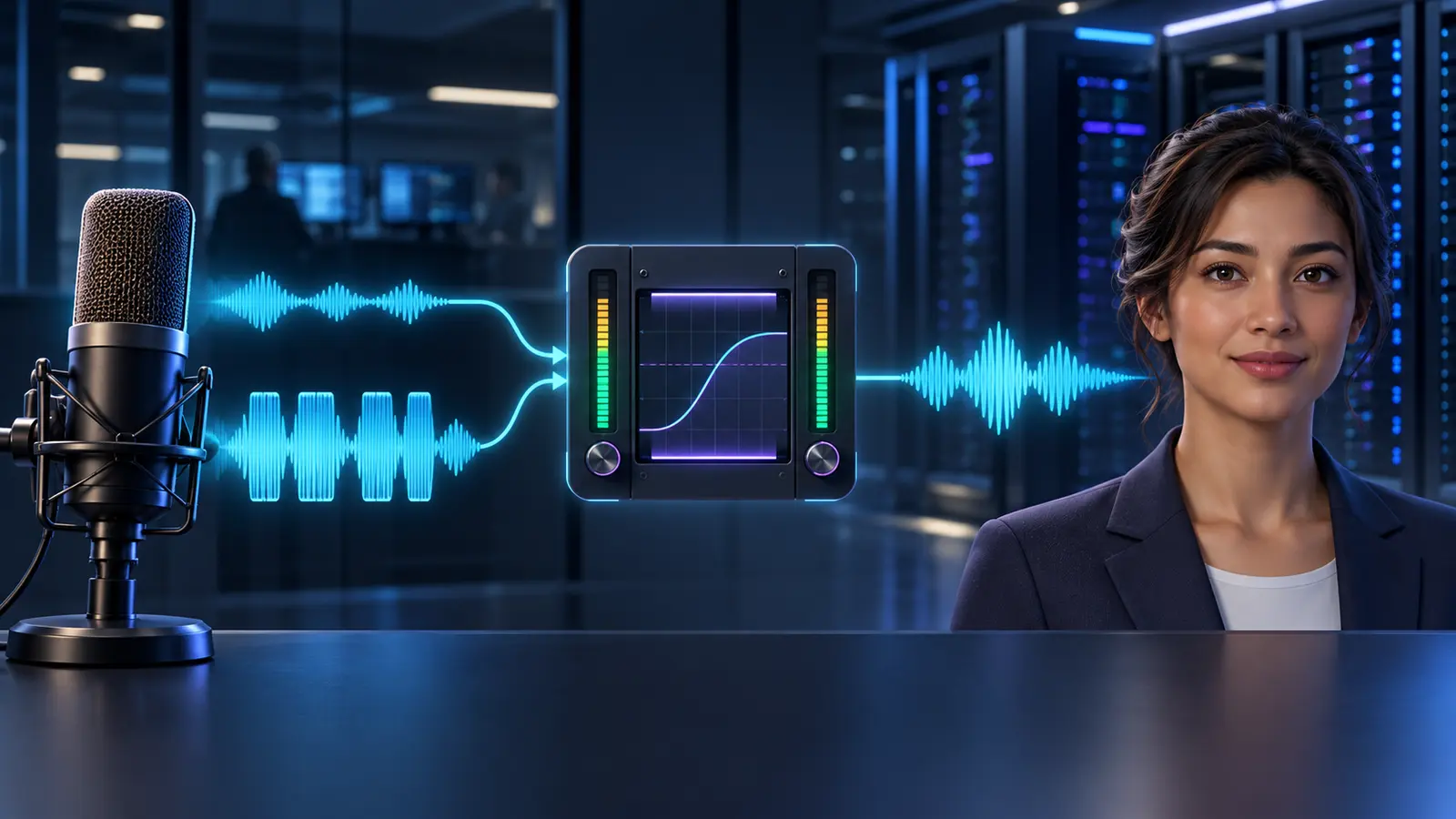
Accessible AI Avatars: Captions Are Only the Beginning
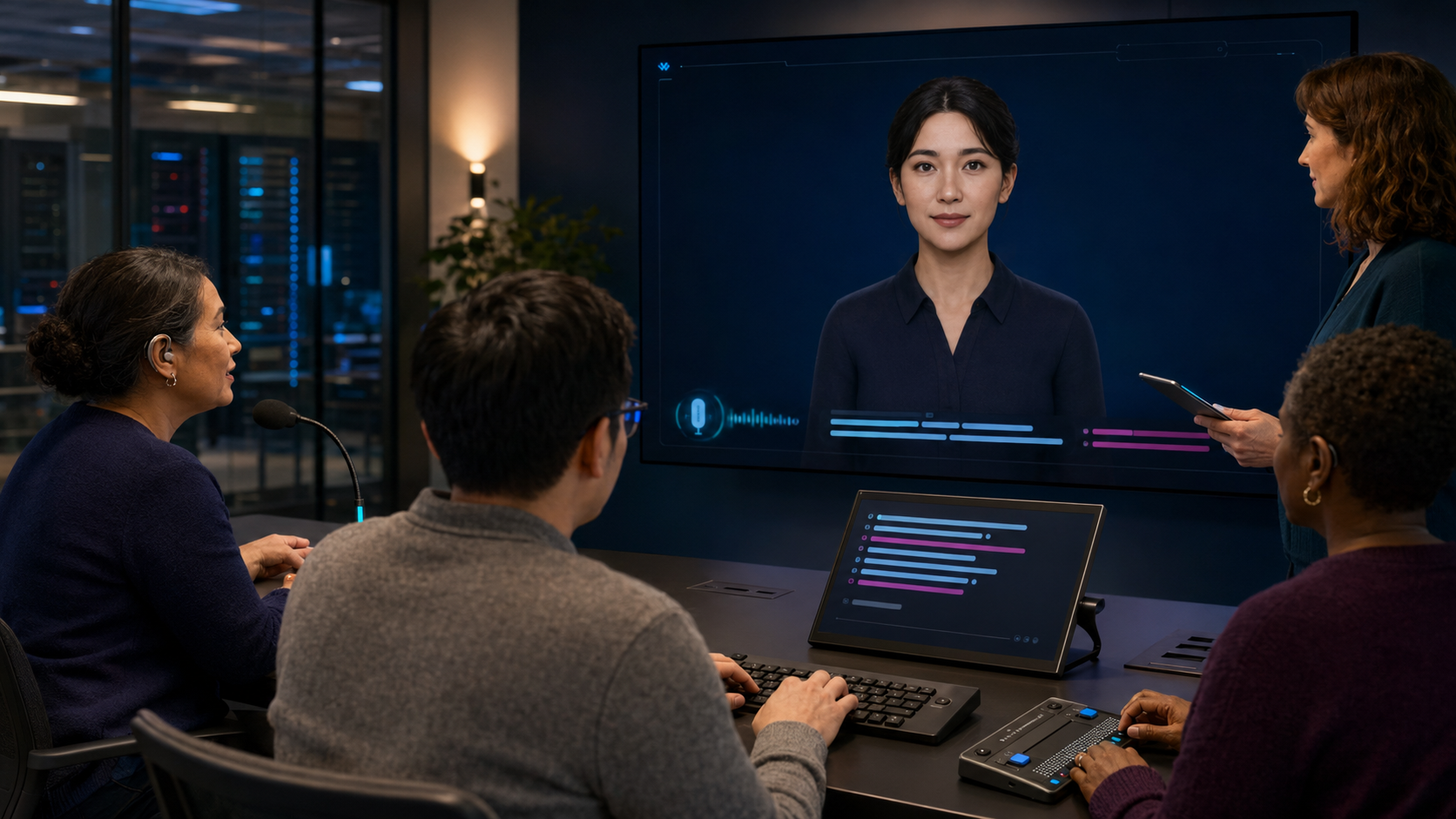
An accessible AI avatar cannot be a video call with captions bolted on. It needs equivalent ways to enter, understand and complete the conversation: voice or text input, readable live captions, keyboard and screen-reader support, explicit microphone states, user-controlled motion, enough time to respond and a reliable route to a human.
The design principle is simple: the avatar may add presence, but it must not become the only doorway to the service. A bank, government department or regulated enterprise should be able to switch off the face, mute the sound or avoid the microphone without losing the task.
This guide turns that principle into an architecture and acceptance plan for real-time deployments, including private and on-premise systems.
Why captions alone are not an accessibility strategy
Current avatar platforms increasingly advertise captions, multilingual audio and device checks. Those are useful features. They do not answer the full buyer question: can a person who cannot hear, speak, see, use a mouse, tolerate animation or respond quickly still complete the same service with comparable information and control?
Captions themselves also need design and testing. The W3C’s guidance on captions explains that captions represent both speech and non-speech audio needed to understand content, and that automatic captions are not sufficient without attention to accuracy. In a live avatar conversation, errors can affect names, numbers, account terms and safety-critical instructions. A caption stream is therefore an interface, not decorative transcription.
For two-way interactions, the more useful objective is functional equivalence. Every important action should have at least one accessible alternative, and changing mode should not erase the conversation or restart the task.
An eight-part accessibility architecture
1. Entry, identity and consent
The session must be discoverable and operable before the avatar speaks. Use semantic page structure, visible focus, logical tab order and controls with clear accessible names. Do not put “start conversation” inside a canvas element that a screen reader or keyboard cannot reach.
Explain what the avatar is, whether audio or video is processed, which sensors are optional and how the user can continue without them. Camera access should not be required unless the task genuinely needs visual input. Microphone consent should be separate from general terms and reversible during the session.
2. Equivalent input modes
Speech can be efficient, but it cannot be mandatory. Provide a text field that accepts the same requests, keyboard controls for every action and touch targets large enough for the intended environment. Where the service supports attachments, authentication or choices, those controls need accessible alternatives too.
Do not assume silence means the user has finished. Speech recognition and voice-activity detection can behave differently with pauses, stammers, atypical speech, background noise or an assistive communication device. Let users submit explicitly, extend listening time, correct the transcript and repeat without penalty.
3. Understandable microphone and listening states
A real-time agent is unusually dependent on state: connecting, listening, thinking, speaking, interrupted, muted or disconnected. Communicate each state through text and programmatic status, not colour, animation or sound alone.
Make it obvious when the microphone is live. Offer a persistent mute control and a push-to-talk option where appropriate. In public or shared workplaces, show the user what the system heard before a consequential request is submitted. This reduces both accessibility and privacy failures.
4. Captions and transcripts for both sides
Caption the avatar’s speech in real time and provide a readable record of the exchange. Users should be able to enlarge text, adjust contrast and avoid captions being covered by the avatar or browser controls. Identify who is speaking and preserve punctuation well enough to make meaning clear.
The user’s speech transcript is not automatically the same as the user’s intended request. Let them inspect and correct high-risk details. For account numbers, dates, medicine names or operational instructions, use structured confirmation rather than trusting an uncertain transcription.
The W3C recommends providing both captions and a separate transcript because they meet different needs, including those of people using braille or processing information at a different pace. The transcript should be screen-reader compatible and navigable without forcing focus to jump as each new word appears.
5. Visual and audio alternatives
Any information communicated only by facial expression, gesture, chart or animation needs a text or spoken equivalent. If the avatar points at a result, the interface should identify that result programmatically. If the service displays a chart, provide a meaningful summary and accessible data where the task requires it.
Likewise, important text should be available through speech for users who cannot see it. Let users replay an answer, change volume independently and pause speech without losing their place.
6. Motion, cognitive load and pace
A constantly moving face can support attention for some people and create distraction, fatigue or discomfort for others. Respect reduced-motion preferences and provide a static, voice-only or text-only mode. Avoid unnecessary idle movement, flashing and visual effects.
Keep responses concise, expose the underlying steps and allow the user to ask for a simpler explanation. Do not automatically close a session because someone takes longer to read, type or formulate an answer. Warn before a timeout, offer an extension and preserve work where security policy allows.
7. Error recovery and human handover
An accessible service must recover gracefully when speech recognition fails, a device permission is denied or the user changes interaction mode. Explain what happened in plain language and provide a next action. Repeating “I didn’t understand” is not recovery.
Make human handover visible before the user becomes trapped. Transfer the relevant context only with appropriate permission, and tell the user what will be shared. A human alternative should not require a phone call if the accessibility problem is the audio channel itself.
8. Privacy and accessible preference storage
Accessibility settings can reveal sensitive information. Store only what is necessary, explain whether preferences persist and avoid inferring a disability from behaviour. “Uses captions” is a display preference, not permission to create a health profile.
In a private deployment, speech recognition, transcripts, text-to-speech and avatar rendering may be scoped to run inside the customer’s environment. That can reduce external data movement, but it does not remove the need for retention rules, role-based access and local observability. The private-avatar observability framework shows how to monitor performance without routinely exporting conversation content.
Design the whole interaction pipeline
Accessibility failures often occur between components rather than inside one feature. A caption engine may work, but its output is not exposed to a screen reader. A text-input option may exist, but activating it stops the session. A keyboard-accessible interface may still time out before a user completes authentication.
Review the system as one chain:
- device and browser compatibility;
- identity and authentication;
- camera and microphone permissions;
- speech, text and alternative input;
- turn-taking and interruption;
- knowledge retrieval and response generation;
- caption, transcript, speech and visual rendering;
- task completion, confirmation and handover; and
- audit, support and deletion.
The GOV.UK Service Manual recommends manual WCAG 2.2 checks, keyboard testing and testing with common assistive-technology and browser combinations. Automated scanners remain useful, but they cannot judge whether an interrupted avatar conversation is understandable or whether a transcript correction actually changes the request.
Public kiosks add physical and environmental constraints
A kiosk that passes a browser audit can still fail in a station, airport or government building. Test screen height and reach, glare, ambient noise, queue pressure, audio privacy, headphone connectivity, physical controls and the ability to approach or leave the device safely.
Do not force a user to announce personal information aloud. Provide text entry and a privacy-preserving route to assistance. If the installation depends on a QR code that moves the task to a phone, offer another route for people without a compatible device.
Yepic’s guide to real-time avatars in public spaces covers placement, acoustics, network testing and operational ownership. Accessibility criteria should be added to the same site-acceptance plan rather than reviewed after launch.
What Yepic’s delivery work demonstrates
For the Abu Dhabi Aviation and Oracle enterprise avatar integration, Yepic worked across development and production environments, API and iframe integration, real-time streaming, captions, microphone behaviour, WebRTC and network testing, browser remediation, cybersecurity support and ongoing maintenance.
That work demonstrates why the experience around an avatar matters as much as the rendering model. It does not establish that every accessibility requirement was met or that the project was a completed on-premise deployment. Accessibility and deployment boundaries must be scoped, tested and accepted for each service.
Yepic’s enterprise avatar buyer’s guide provides the wider due-diligence questions for security, integration, latency and governance. Accessibility should be a scored requirement within that process, not a demonstration-day preference.
Twelve acceptance tests for an accessible avatar
- Keyboard only: start, converse, correct, submit, mute, change mode and finish without a mouse.
- Screen reader: controls, status changes, captions and errors are announced without disruptive focus movement.
- No microphone: complete the same task through text without losing capability.
- No video: hide or replace the avatar while retaining speech, text and task state.
- Caption accuracy: test names, numbers, domain terms, accents and background noise with representative users.
- Correction: editing the recognised request changes what the system processes.
- Listening state: users can always determine whether the microphone is active.
- Reduced motion: system and in-product preferences remove non-essential movement.
- Timing: users can pause, request more time and resume without unexpected data loss.
- Zoom and contrast: captions and controls remain usable under the organisation’s target settings.
- Failure recovery: denied permissions, network loss and misunderstood speech lead to clear alternatives.
- Human route: escalation works through an accessible channel and transfers only approved context.
Begin with user needs, then specify the technology
Before selecting a caption engine or avatar model, write down the service task and the different ways a user may need to complete it. Turn those needs into acceptance criteria, test them with disabled people and assistive technologies, and keep the criteria in regression testing as the models and interface change.
WCAG is an essential baseline for web content, not a substitute for testing the behaviour of a live conversational system. Legal and sector requirements also vary by service and jurisdiction, so regulated deployments need appropriate accessibility and legal review.
The best accessible avatar is not the one with the longest feature list. It is the one that can change mode without changing who gets served.